Key points
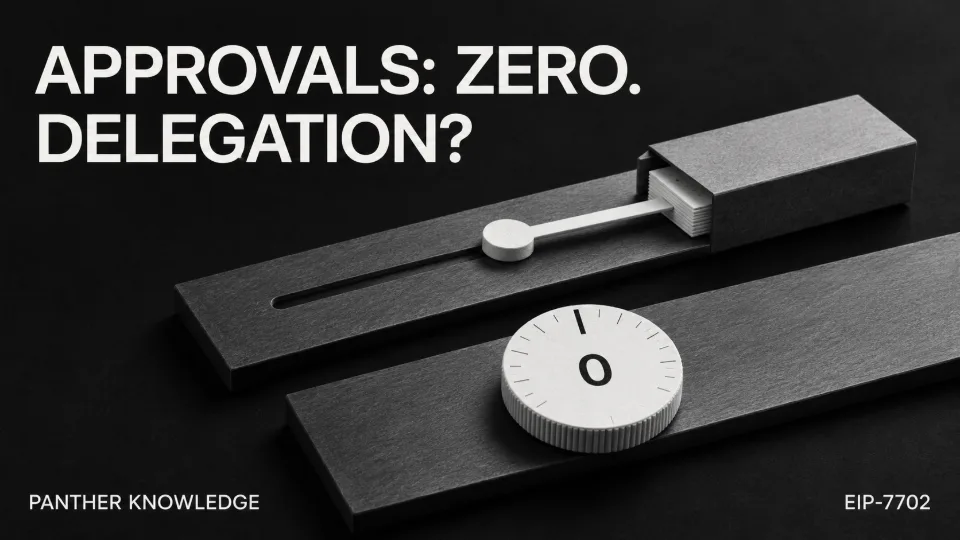
- Clearing an allowance and invalidating an unused signature are different operations.
- Permit2 AllowanceTransfer and SignatureTransfer use different nonce systems.
- Verify confirmed state on the correct chain before restoring approvals.
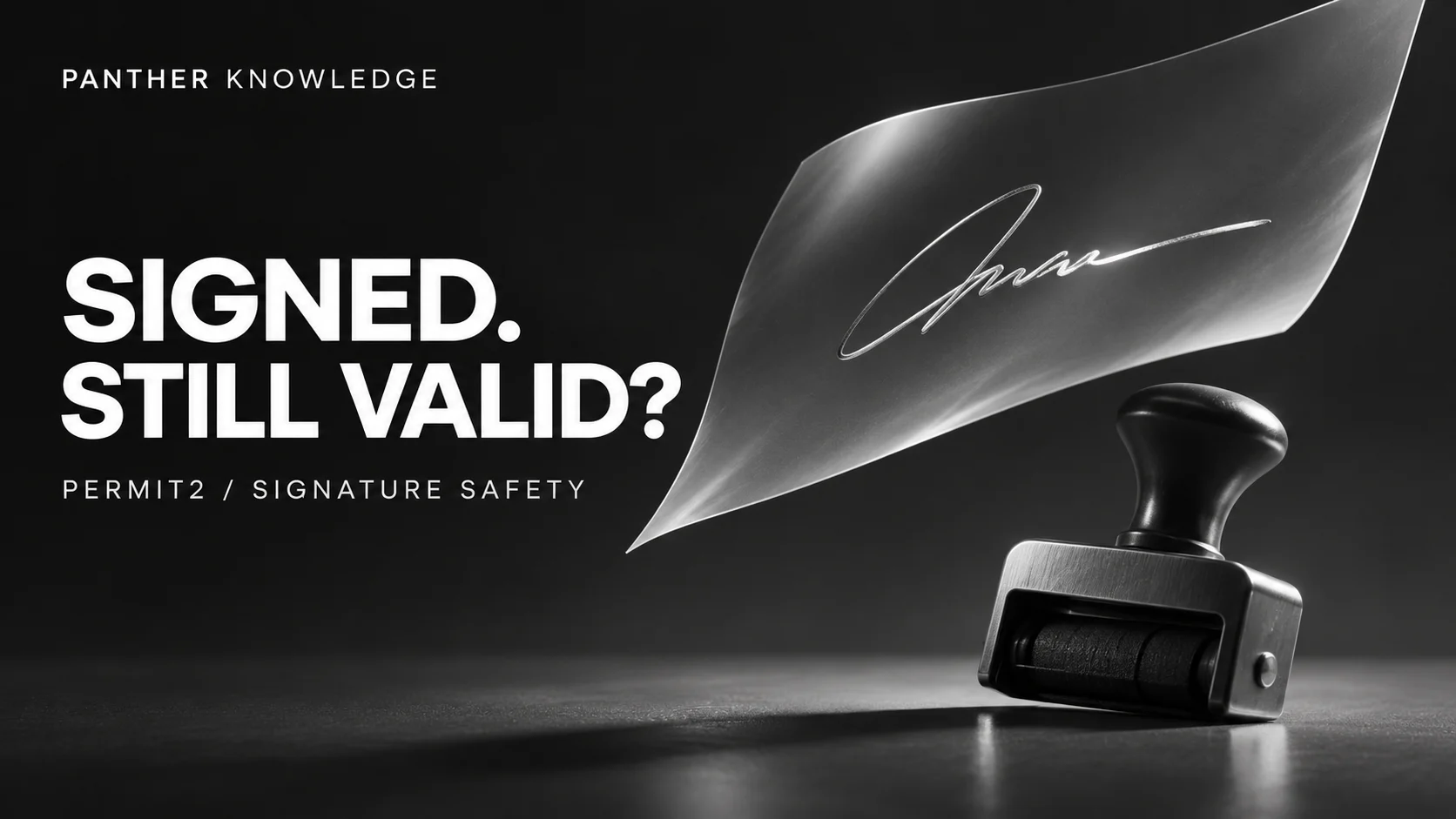
The approval checker is clean. The wallet still holds its tokens. Somewhere else, someone may still hold a Permit2 signature you wish you had never made.
To cancel a Permit2 signature, first identify which permission system you signed. Clearing a live allowance and invalidating an unused authorization change different contract state. This guide explains how to tell them apart, with hypothetical examples you can verify against the linked implementation.
Why a clean approval list is an incomplete answer
A signature can remain offchain until another party submits it. Revoke.cash explains that an approval dashboard cannot know every signature you have issued. An unused signed permission may therefore be absent from the list.
Disconnecting a site is not a transaction that invalidates that permission. Closing the tab cannot recall a copy already delivered to someone else. Save the original wallet request or signing record if available; do not return to a suspicious site to obtain it.
Panther’s token-approval guide covers ordinary allowance cleanup. The narrower question here is what happens to a signature that has not been used yet.
Identify the exact signature before choosing a cancellation
Record the network, signing address, verifying contract, token, spender, permitted amount, nonce and deadline. For a batch, inspect every token entry. A familiar app name is insufficient: the address and typed-data structure determine what was authorized.
| Permission | Where authorization is checked | Relevant state |
|---|---|---|
| Token-native EIP-2612 permit | The token contract | Owner’s token permit nonce |
| Permit2 AllowanceTransfer | Permit2 | Owner–token–spender allowance nonce |
| Permit2 SignatureTransfer | Permit2 | Owner’s unordered nonce bitmap |
Uniswap documents reusable AllowanceTransfer permissions separately from one-time SignatureTransfer permissions. Do not apply a cancellation procedure for one to the other. Contract wallets and nonstandard permit implementations can introduce additional rules; confirm the deployed contract rather than relying only on a function’s name.
Cancel a Permit2 signature without confusing the two layers
Permit2 transfers ERC-20 tokens through an underlying token approval. Removing that token-to-Permit2 allowance blocks that spending route while the allowance remains zero. It does not erase the signed message. Reapproving Permit2 later can restore the prerequisite for an otherwise valid signature.
Revoke.cash’s Permit2 explanation distinguishes that token approval from permissions inside Permit2. Inspect both. A zero app allowance is useful evidence about current spending authority, not universal proof that every old signature is unusable.
For active exposure, an attacker may race any protective transaction. A submitted cancellation is not a confirmed cancellation. If keys or the recovery phrase were disclosed, follow the separate compromised-phrase guidance; changing allowances does not remove someone’s ability to sign as the owner.
AllowanceTransfer: clear the amount and invalidate the nonce
The current AllowanceTransfer implementation shows an important separation: lockdown sets selected allowance amounts to zero; invalidateNonces changes the nonce for a token-and-spender pair. A valid signed permit can update the allowance when its nonce matches the stored value.
Hypothetical example: the stored nonce for your wallet, token T and spender S is 7. You previously signed an unused permit with nonce 7. Clearing the amount alone leaves that nonce unchanged. Advancing the stored nonce to 8 makes that particular nonce-7 permit fail its nonce check. The invalidation does not itself clear an existing spending amount, so check both state values.
The implementation requires the new nonce to exceed the old one and limits each increase to 65,535. This is a contract reference, not a suggestion to guess a large number. Check current state and the actual signed payload. Future-nonce signatures and other token/spender pairs need their own assessment.
SignatureTransfer: a bitmap, not the next number
In SignatureTransfer’s source, invalidateUnorderedNonces(wordPos, mask) marks selected nonce bits as unavailable. This is a different mechanism from the ordered allowance nonce.
Hypothetical arithmetic example: for a signed nonce of 513, integer division by 256 gives word position 2; the remainder is bit position 1. The mask for that bit is 2, calculated as 1 shifted left by 1. After confirmed invalidation, reading nonceBitmap(owner, 2) should show that bit set: bitmap AND 2 is nonzero.
This example describes the implementation’s mapping; it is not an executed transaction or a wallet diagnosis. Invalidating this bit does not zero unrelated allowances. A signature using another nonce remains a separate question. For real large nonce values, use exact integer arithmetic—ordinary JavaScript numbers can lose precision.
EIP-2612 is a separate cancellation problem
The EIP-2612 standard requires a permit’s nonce to match the owner’s current token nonce; a successful permit increments it. An ordinary ERC-20 approval change is not the same operation.
For a standard-conforming token, successfully consuming the relevant nonce with an owner-authorized permit can invalidate another signature using that nonce. Do not send a suspicious permit merely to “cancel” it: executing it can grant the very permission you want removed. Token variants differ, so use a verified cancellation tool that supports the actual implementation or get technical assistance interpreting the payload.
Verify the result before trusting the wallet again
Use a chain explorer reached independently, with the correct network and verified contract. Confirm the protective transaction succeeded, then read the relevant nonce or bitmap and any remaining allowance. Record the block and values. A wallet’s pending notification or a tool’s success animation is weaker evidence than confirmed state.
If the original payload is unavailable, say so. You may be able to block a known spending route, but cannot honestly certify that all unknown signatures are invalid. Avoid blanket “wallet safe” conclusions from a single green dashboard.
Panther Takeaway
A signature is a permission you may have handed someone before the chain ever saw it. Identify the exact authorization, remove current spending access where needed, and verify the specific nonce invalidation. Keep the distinction intact when you approve again.
Last reviewed November 15, 2026. Examples are hypothetical and derived from the linked standard and implementation, not live tests. ChainSecurity’s Permit2 assessment provides an independent historical review; its version history matters, and an audit is not a guarantee about an app or today’s deployment.
Responses
No responses yet. Start the conversation.
Panther Journal — The intelligence brief
Stay ahead of the story.
Free. New investigations delivered when published. Unsubscribe anytime.